
4.2 KiB
Employee Scheduling (Java, Quarkus, Maven)
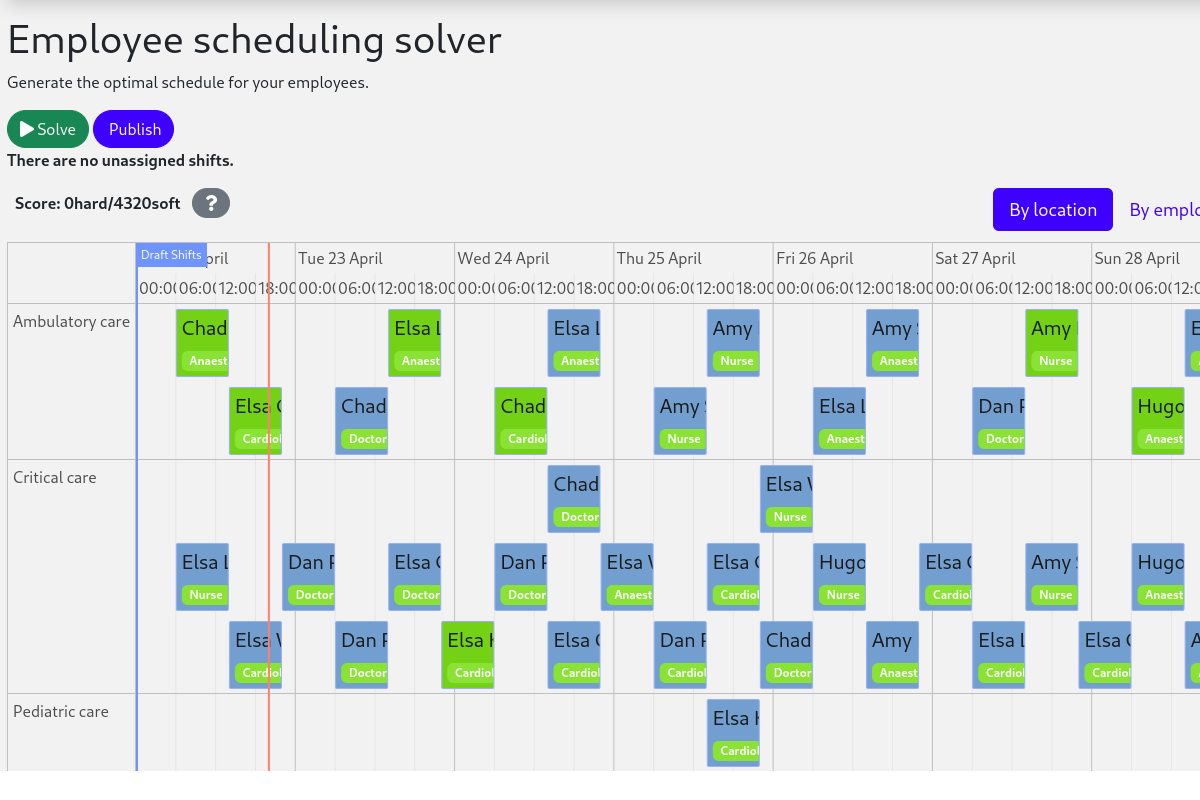
Schedule shifts to employees, accounting for employee availability and shift skill requirements.
- Run the application
- Run the application with Timefold Solver Enterprise Edition
- Run the packaged application
- Run the application in a container
- Run it native
Tip
Check out our off-the-shelf model for Employee Shift Scheduling. This model supports many additional constraints such as skills, pairing employees, fairness and more.
Prerequisites
-
Install Java and Maven, for example with Sdkman:
$ sdk install java
$ sdk install maven
Run the application
-
Git clone the timefold-quickstarts repo and navigate to this directory:
$ git clone https://github.com/TimefoldAI/timefold-quickstarts.git ... $ cd timefold-quickstarts/java/employee-scheduling -
Start the application with Maven:
$ mvn quarkus:dev -
Visit http://localhost:8080 in your browser.
-
Click on the Solve button.
Then try live coding:
- Make some changes in the source code.
- Refresh your browser (F5).
Notice that those changes are immediately in effect.
Run the application with Timefold Solver Enterprise Edition
For high-scalability use cases, switch to Timefold Solver Enterprise Edition, our commercial offering.
Contact Timefold to obtain the credentials required to access our private Enterprise Maven repository.
-
Create
.m2/settings.xmlin your home directory with the following content:<settings> ... <servers> <server> <!-- Replace "my_username" and "my_password" with credentials obtained from a Timefold representative. --> <id>timefold-solver-enterprise</id> <username>my_username</username> <password>my_password</password> </server> </servers> ... </settings>See Settings Reference for more information on Maven settings.
-
Start the application with Maven:
$ mvn clean quarkus:dev -Denterprise -
Visit http://localhost:8080 in your browser.
-
Click on the Solve button.
Then try live coding:
- Make some changes in the source code.
- Refresh your browser (F5).
Notice that those changes are immediately in effect.
Run the packaged application
When you're done iterating in quarkus:dev mode, package the application to run as a conventional jar file.
-
Compile it with Maven:
$ mvn package -
Run it:
$ java -jar ./target/quarkus-app/quarkus-run.jarNote
To run it on port 8081 instead, add-Dquarkus.http.port=8081. -
Visit http://localhost:8080 in your browser.
-
Click on the Solve button.
Run the application in a container
-
Build a container image:
$ mvn package -Dcontainer -
Run a container:
$ docker run -p 8080:8080 $USER/employee-scheduling:1.0-SNAPSHOT
Run it native
To increase startup performance for serverless deployments, build the application as a native executable:
-
Compile it natively. This takes a few minutes:
$ mvn package -Dnative -DskipTests -
Run the native executable:
$ ./target/*-runner -
Visit http://localhost:8080 in your browser.
-
Click on the Solve button.
More information
Visit timefold.ai.